Step-by-step guide
How to Do Programmatic SEO in WordPress
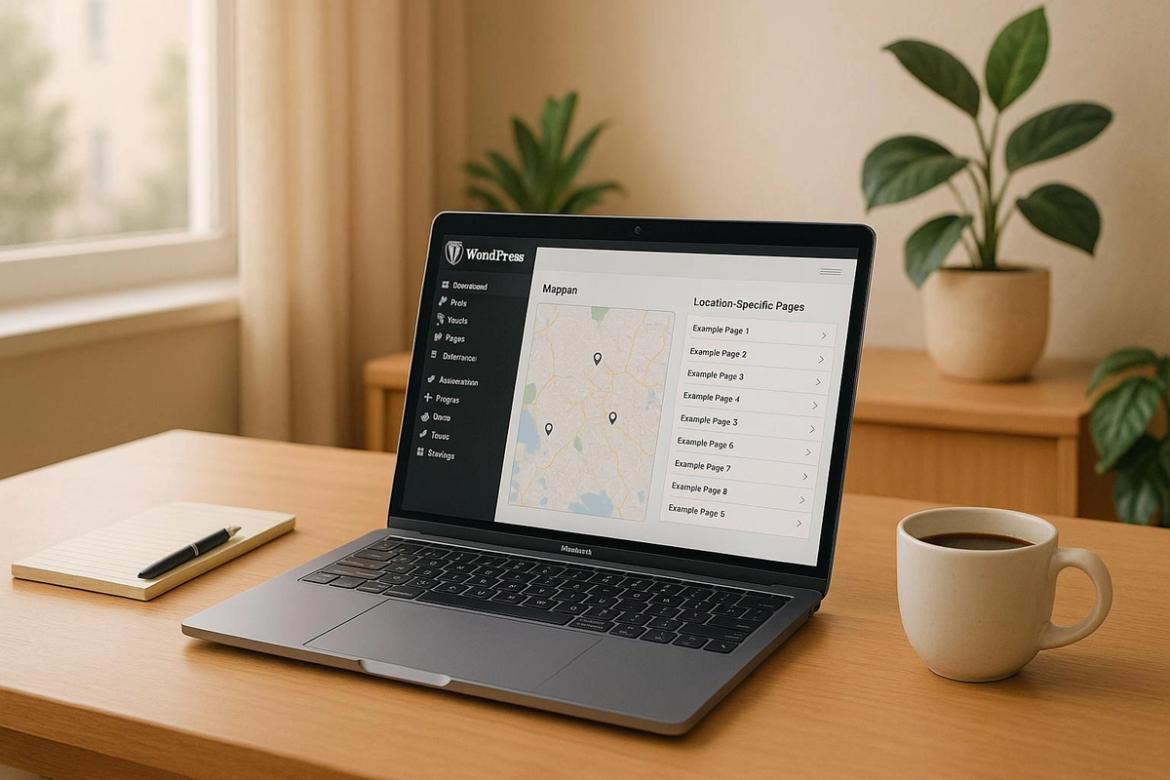
How to do programmatic SEO in WordPress: build a location database, page templates and SEO data, then generate the pages in bulk with LPagery.
Programmatic SEO means building many similar pages from one template and a table of data, such as one page for every service in every city you serve. Done well, each page answers a specific search like "emergency plumber in Leeds" better than a single generic services page can.
The guides below cover the whole job in WordPress: what makes a location page worth indexing, how to structure the data, and how to create, update and interlink the pages without editing each one by hand.
How to do programmatic SEO in WordPress: build a location database, page templates and SEO data, then generate the pages in bulk with LPagery.
What programmatic SEO is and when it makes sense for a WordPress site.

What is programmatic SEO? How it creates hundreds of pages from data and one template, how it differs from traditional SEO and how to do it in 3 steps.

How to do local SEO for multiple locations in 4 steps: location pages, a Google Business Profile for each location and consistent NAP citations.
How a location page should look and what it needs to rank.

How to create SEO-optimized local landing pages in 5 steps: page setup, the area above the fold, trust builders, local service links and social proof.

How to create local SEO landing pages: plan them with a spreadsheet, find what customers search for and include the parts every local page needs.

Landing page SEO checklist for local services: meta tags, local keywords, location content, NAP, maps, schema markup and technical SEO.
12 places to find WordPress landing page templates in 2026, from ThemeForest and the WordPress.org directory to Elementor kits, with usage tips.
Step by step guides for the common data sources and page builders.
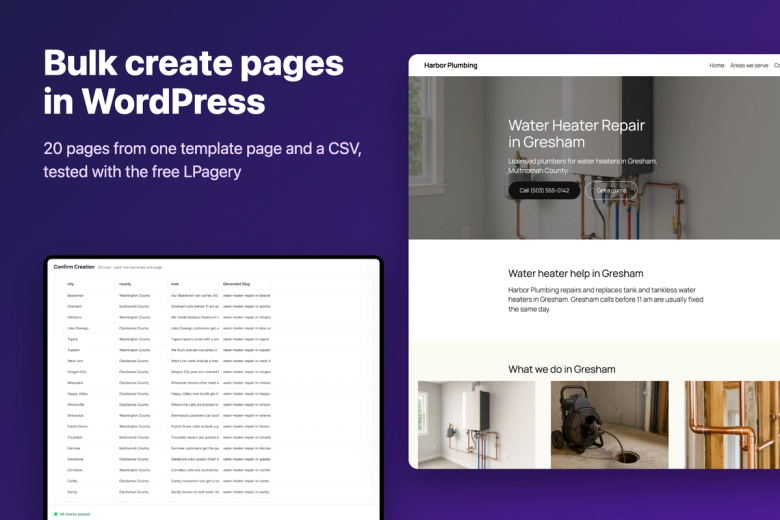
Bulk create pages in WordPress for free with a template page, a CSV and LPagery. Tested on 20 pages, plus how to update, delete and keep them unique.

Turn every row of a CSV, Excel or Google Sheet into a WordPress page: lay out the columns, write one template with {placeholders} and create the pages.
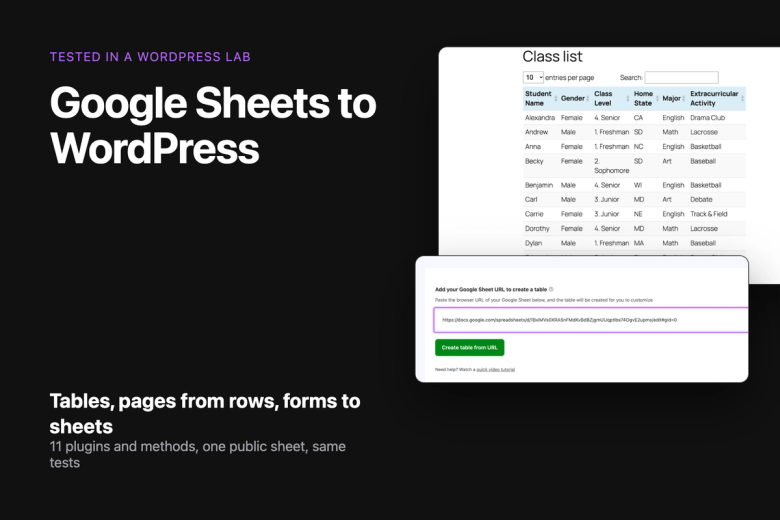
How to connect Google Sheets to WordPress: 11 integration methods compared by job, 6 tested in a lab on the same sheet, with steps, page weight and limits.

Elementor has no bulk page feature. Design one Elementor page with {placeholders}, add a spreadsheet, and LPagery creates a styled page for every row.

WordPress has no button for creating many posts at once. Compare four ways: a list of titles, a CSV import, a template post with a spreadsheet, and WP-CLI.
Plugins compared, and how AI-written content fits in.

We gave 7 free WordPress mass page generators the same 25 and 200 page jobs: steps, free limits, SEO fields, updates, Elementor and bulk delete.
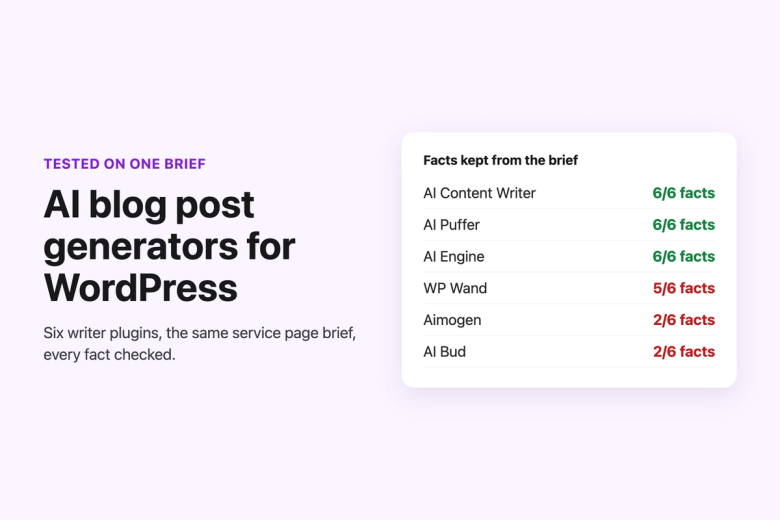
We ran 7 AI blog post generator plugins for WordPress on the same briefs, ranked the best 5 and checked facts, length, SEO fields, editing and scheduling.

Our May 2025 launch of LPagery AI, which writes a different text for every page you generate. What changed since, and where to find the current feature.
LPagery creates the pages from your template and a CSV file or Google Sheet. When the sheet changes, Google Sheet Sync updates the pages for you.