How to Do Programmatic SEO in WordPress

Part of the guide: Programmatic SEO and local landing pages in WordPress
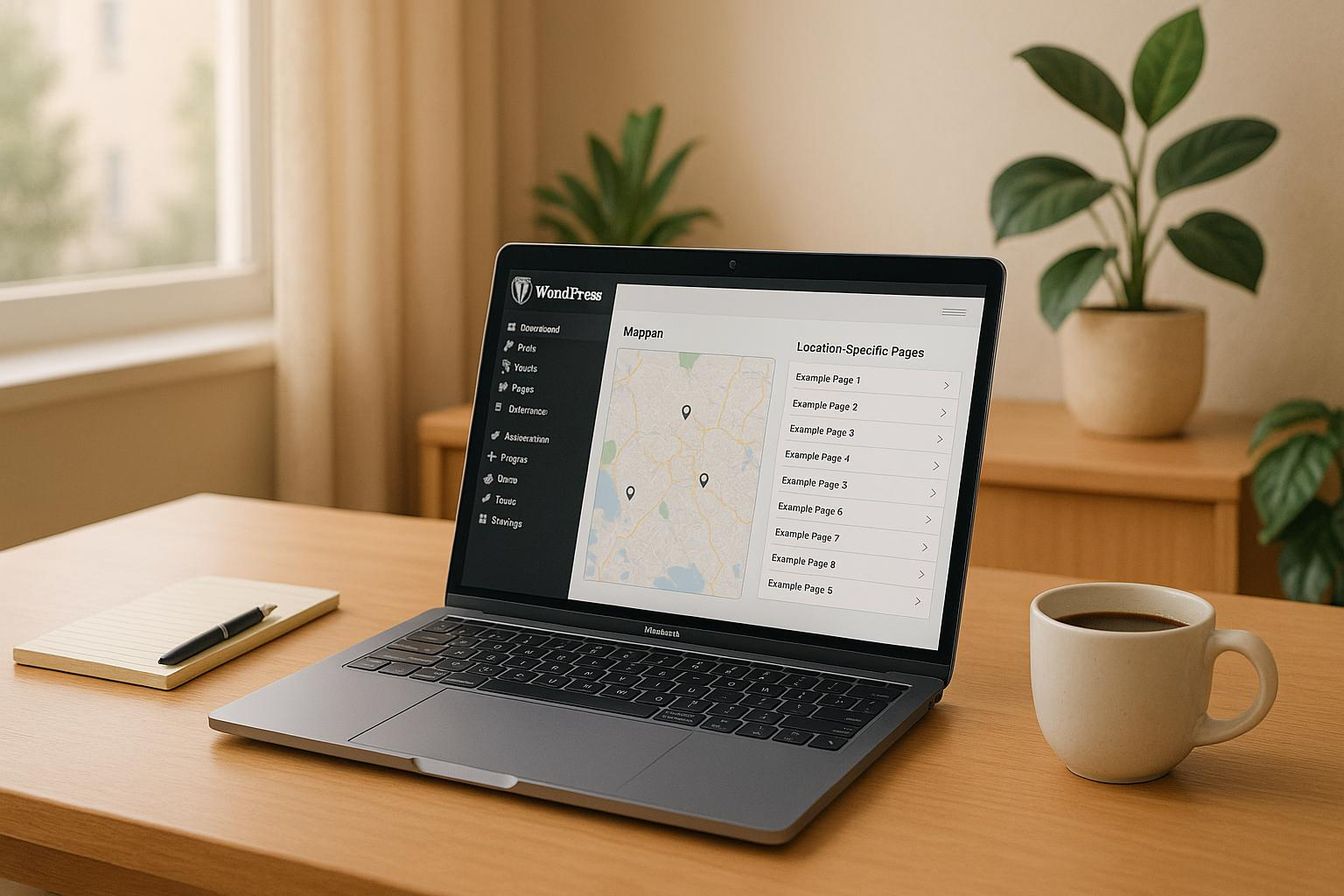
Programmatic SEO (pSEO) lets you automate the creation of location-specific, service-oriented pages in bulk. This is perfect for businesses aiming to expand locally or target multiple markets. By combining data templates with WordPress tools, you can generate hundreds of optimized pages in minutes.
Key Takeaways:
- What is Programmatic SEO? Automating SEO-friendly page creation using templates and data (e.g., cities, ZIP codes, services).
- Benefits: Reach unlimited locations, save time, and grow traffic efficiently.
- Tools You’ll Need: WordPress, a location database (spreadsheets), and plugins like LPagery.
- Steps to Implement:
- Build a location database with details like city names, ZIP codes, and services.
- Create dynamic templates with placeholders (e.g., {city}, {service}).
- Automate page generation and optimize SEO elements like titles, URLs, and schema.
- Schedule publishing to maintain natural growth.
Real Results:
- KrispCall grew from 154 to 2M visitors/month by using pSEO for 535 pages.
- Green Valley Realty increased organic traffic by 150% with 500 neighborhood pages.
If you’re ready to scale your local presence, programmatic SEO is your answer. Let’s dive into how it works!
Setup Requirements
Organize your data and build templates so you can create pages in bulk for programmatic SEO.
Creating Your Location Database
A strong location database is the backbone of successful programmatic SEO. Start by creating a spreadsheet that includes the following data to populate your pages:
Column Type | Example Data | Purpose |
|---|---|---|
Location Name | Atlanta, GA | Targets primary cities |
ZIP Codes | 30301-30399 | Focuses on geo-specific areas |
Service Areas | Downtown, Buckhead, Midtown | Highlights neighborhood coverage |
Business Hours | Mon-Fri: 9 AM to 5 PM ET | Lists location-specific hours |
Contact Info | (404) 555-0123 | Provides local phone numbers |
LPagery: “Create pages for every city, service, or product you offer automatically, from a simple spreadsheet and a template page.”
Building Page Templates
Set up page templates that include dynamic placeholders for location-specific details. Here’s what to include:
- Header Section: Use placeholders like {city} and {state} for titles.
- Main Content: Add variables such as {service_area} and {business_description} to personalize content.
- Contact Block: Include placeholders for {phone}, {email}, and {address}.
- Footer: Add markers for {business_hours} and {service_radius} to display relevant details.
Setting Up SEO Data
Optimize your SEO setup to ensure each page ranks well in local searches. Use a structured format like this:
SEO Element | Template Format | Example |
|---|---|---|
Title Tag | {service} in {city}, {state} | Plumbing Services in Atlanta, GA |
Meta Description | {business_name} offers {service} in {city}. | ABC Plumbing offers expert services in Atlanta. |
URL Structure | /{service}/{city}-{state}/ | /plumbing/atlanta-ga/ |
Schema Markup | LocalBusiness + Service | Adds location-specific data |
Once your database, templates, and SEO elements are ready, you can automate these processes within WordPress for efficient page generation.
WordPress SEO Automation Steps
Once your data and templates are ready, it’s time to automate the creation of location-specific pages in WordPress. This method simplifies the process while ensuring you stick to SEO best practices.
Bulk Page Generation with LPagery

The automation process relies on three key components:
Component | Purpose | Format Requirements |
|---|---|---|
Template Page | Serves as the base layout for all pages | WordPress page with dynamic placeholders |
Location Data | Provides the necessary details for each page | CSV, XLSX, or Google Sheets (Pro version) |
URL Structure | Ensures SEO-friendly pathways | /{service}/{city}-{state}/ format |
For example, Green Valley Realty successfully generated 500 neighborhood pages in Q1 2024, which led to a 150% increase in organic traffic and an 80% boost in local leads.
After generating pages in bulk, refine each one by incorporating dynamic data for a more personalized touch.
Setting Up Dynamic Content
Dynamic content ensures that every page is distinct and relevant. This can be achieved by configuring the following:
- Location-Specific Details: Include local market data and tailor service offerings for each area.
- Business Information: Add location-specific contact numbers, addresses, or office details.
- Service Descriptions: Adjust descriptions to reflect the needs and preferences of each local market.
Page Publishing Schedule
Once your pages are generated and filled with dynamic content, publish them on a schedule instead of all at once. Spreading out publication looks like natural growth and doesn’t overwhelm search engines.
- Initial Launch: Begin by releasing pages for your primary service areas gradually.
- Ongoing Updates: Maintain a publishing calendar to align with your business’s growth plan. Here’s a suggested schedule:
Timeframe | Action | Purpose |
|---|---|---|
Weekly | Publish 10–15 new location pages | Establish consistent growth |
Monthly | Refresh existing content | Keep pages updated and relevant |
Quarterly | Review performance metrics | Adjust your strategy based on data insights |
- Content Management: Use WordPress’s scheduling tools to automate publication, ensuring a steady stream of fresh, optimized pages.
Local SEO Page Optimization
Location pages need to be optimized for local search, since 46% of Google searches have local intent. A key part of this is structuring your data so search engines can understand it.
Location Schema Setup
Structured data helps search engines understand the details of each location page. To set up your local business schema, include the following properties:
Required Schema Property | Description | Example Format |
|---|---|---|
@id | Unique identifier for the page | https://domain.com/#location-cityname |
Name | Business name with location | “Business Name, City Location” |
Address | Full street address | Standard street address format |
@type | Business category | “LocalBusiness” or a specific subtype |
If your business operates in multiple locations, each location page should have its own LocalBusiness schema. Link these pages to the main organization using the branchOf property.
“Schema markup has certain benefits for businesses seeking to optimize their SEO… schema has the ability to give those efforts a big boost by taking advantage of more prominently featured rich results.” (Ray Day, SEO Strategist, Ignite Visibility)
Internal Link Structure
Once your schema is in place, build a logical internal linking structure. It helps visitors and search engines move between related pages and makes your local relevance clearer.
- Parent Pages: Group related location pages under service-based parent pages. For instance:
/services/ └── /plumbing/ └── /plumbing-atlanta-ga/ └── /plumbing-marietta-ga/ - Cross-Linking Locations: Link each location page to:
- Related services within the same area
- The same service in nearby locations
- The main service category page
This keeps your content organized, which helps both your visitors and your search engine visibility.
Speed and Mobile Settings
Mobile optimization is non-negotiable for local SEO. Implement these technical improvements to enhance performance:
Optimization Area | Implementation Steps | Impact |
|---|---|---|
Image Optimization | Compress images, enable lazy loading | Faster page load times |
Mobile Layout | Use viewport meta tags, ensure buttons are touch-friendly | Improved mobile usability |
Caching | Use browser caching and a CDN | Reduced load times |
Content Display | Apply responsive text sizing, maintain proper line lengths | Better readability |
Apply these optimizations consistently across your templates. Use tools like Google Search Console to monitor Core Web Vitals and ensure your pages meet local SEO performance standards. These steps will help your location pages stand out in local search results.
Results Tracking
To measure the success of programmatic SEO, track these performance indicators.
Search Ranking Reports
Tracking local search rankings shows you how visible you are and how that changes over time. For instance, Stratedia increased their annual revenue by $50,000 with the help of local rank tracking tools.
Tracking Component | Key Metrics | Recommended Tools |
|---|---|---|
Local Rankings | City-specific keywords, Maps visibility | BrightLocal |
Desktop vs Mobile | Device-specific performance | Semrush |
SERP Features | Featured snippets, Local Pack | RankCaddy |
Ranking Distribution | Geographic coverage | SE Ranking |
“I use BrightLocal’s Local Rank Tracker on a daily basis for all of my local clients… the ability to dig down into specific towns and cities means you get accurate search volumes, accurate ranking data, and can give clients a much better idea of how visible they are in their local area.”
Once rankings are tracked, the next step is to determine how effectively they translate into leads.
Lead Generation Metrics
The true measure of programmatic SEO lies in its ability to generate qualified leads. Tools like AIOSEO’s Keyword Rank Tracker, introduced in version 4.7.0, allow you to monitor keyword performance directly within WordPress.
Here are the key metrics to track for conversions:
Metric Type | What to Track | Target Goals |
|---|---|---|
Contact Forms | Submission rates, location data | 3–5% conversion rate |
Phone Calls | Call tracking by location | Call duration > 30 seconds |
Direction Requests | Maps interactions | Weekly increase trend |
Service Inquiries | Form completions by service type | Location-specific benchmarks |
These metrics show whether your rankings lead to actual conversions.
Page Performance Updates
Regular audits of page performance are essential. Tools like the Ahrefs SEO plugin can automate audits and provide actionable insights to help you stay ahead.
Improve page performance by focusing on:
- Core metrics like page load times, mobile responsiveness, and user engagement.
- Regular content audits to identify areas for improvement.
- Implementing optimizations suggested by tools like Google Lighthouse.
- Adjusting high-performing templates to further enhance results.
Conclusion
Main Points Review
Programmatic SEO on WordPress has helped local businesses grow. For instance, AnyVan gained 1.4 million additional impressions in 90 days, and AppWT LLC saw a 35% rise in local leads and doubled their organic traffic.
Here’s a breakdown of the core implementation phases and their impact:
Implementation Phase | Core Elements | Impact Metrics |
|---|---|---|
Template Design | Dynamic placeholders, mobile-friendly optimization | 76% of mobile users searching for local businesses visit one within a day |
Data Structure | Location and service spreadsheets, custom taxonomies | 40% of local SEO campaigns deliver an ROI of at least 5× the cost, compared to 22% with PPC |
Page Generation | Bulk page creation, automated metadata | 23.7% boost in organic traffic |
Getting Started Guide
Ready to dive into programmatic SEO? Here’s how to get started:
- Design your template pages: Use your favorite WordPress theme or page builder and include dynamic placeholders for location-specific details.
- Build your location database: Create a comprehensive spreadsheet covering all your service areas.
- Generate and optimize pages: Use automation tools to create pages in bulk, and check the quality of each location page.
What matters most is content that fits each location. As Jeremy Tang, CEO of Area Ten, puts it: “Programmatic SEO allows for high-impact local keyword targeting, making your business omnipresent in the local search landscape”.
Finally, keep monitoring and refining your strategy. Macarthur Wealth Management doubled their Google impressions in two months with a well-executed programmatic SEO approach.
FAQs
How can I create high-quality, relevant content for programmatically generated pages in WordPress?
To create high-quality, relevant programmatically generated pages, start by organizing your data into a well-structured CSV file. This file should include all the dynamic content elements you want to feature, such as location-specific details, service descriptions, or any other variable information. Once your data is ready, design a template page in WordPress with placeholders that can dynamically pull in this information. Tools like LPagery make it easy to automate the generation of multiple optimized pages while keeping everything consistent and relevant.
Include localized details in your content, such as city names, zip codes, or the specific services available in each area. Local details make the page more useful to visitors and help it show up in local searches.
How can I set up a location database in WordPress to improve programmatic SEO?
How to Set Up a Location Database for Programmatic SEO in WordPress
To improve programmatic SEO for local businesses on WordPress, start by creating a location database. Here’s how you can do it:
- Organize Your Data: Start by putting together a CSV file with all the essential details: columns for city, state, and the services offered. This file is the basis for your location-specific pages.
- Build a Template Page: Use a WordPress page builder or theme to design a template page. Incorporate placeholders like {city} and {service} into the template. These placeholders allow dynamic content to populate each page based on your data.
- Automate Page Creation: Upload your CSV file to a tool like LPagery. This tool will take your template and data, automatically generating SEO-friendly landing pages for each location.
With this process, you can target many areas at once and still follow SEO best practices, so you reach more people without lowering the quality of your pages.
How does programmatic SEO help improve local search rankings compared to traditional SEO?
Programmatic SEO helps boost local search rankings by allowing businesses to quickly and efficiently create customized landing pages for each location or service they provide. These pages are fine-tuned with location-specific keywords, making it easier for businesses to show up in local search results.
This method works particularly well for service-oriented and local businesses. It lets them create content at scale while addressing the specific needs of different areas. Programmatic SEO automates repetitive SEO tasks, which saves time and keeps every page optimized the same way. That brings more local traffic and a better chance of winning new customers.
I've worked in SEO for more than ten years and helped over 100 businesses rank higher, mostly local businesses, e-commerce stores and SaaS companies. As co-founder of LPagery I work on local SEO, programmatic SEO and AI search visibility, and I test the strategies in these articles on our own sites and with our customers.
I've worked in SEO for more than ten years and helped over 100 businesses rank higher, mostly local businesses, e-commerce stores and SaaS companies. As co-founder of LPagery I work on local SEO, programmatic SEO and AI search visibility, and I test the strategies in these articles on our own sites and with our customers.