How to Create Custom WordPress Widgets Without a Plugin

Updated
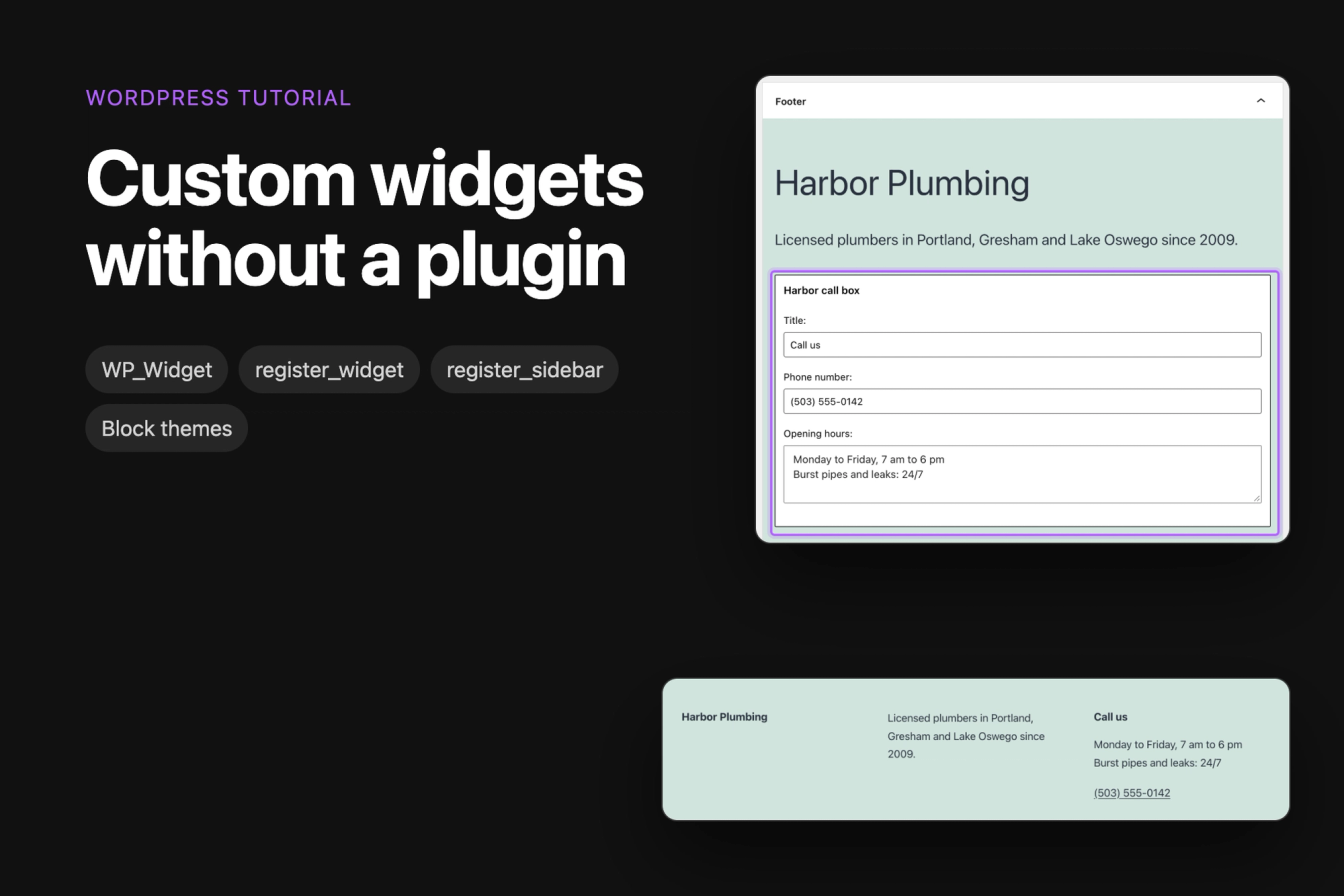
This tutorial builds a custom widget with PHP, without a plugin: a call box for a plumbing company's website with a title, opening hours and a phone link. It also adds a widget area of your own and shows how to use the same widget in a block theme, which has no widget areas.
All code was tested on WordPress 7.1.3 with the classic theme Twenty Twenty-One 2.9 and the block theme Twenty Twenty-Five.
Does your theme support widgets?
Widgets only show in widget areas, and only classic themes have them. A classic theme registers its areas with register_sidebar() in PHP. Block themes such as Twenty Twenty-Five build every part of the page from blocks instead, so WordPress has nowhere to put a widget, and the Widgets item is missing from the Appearance menu:
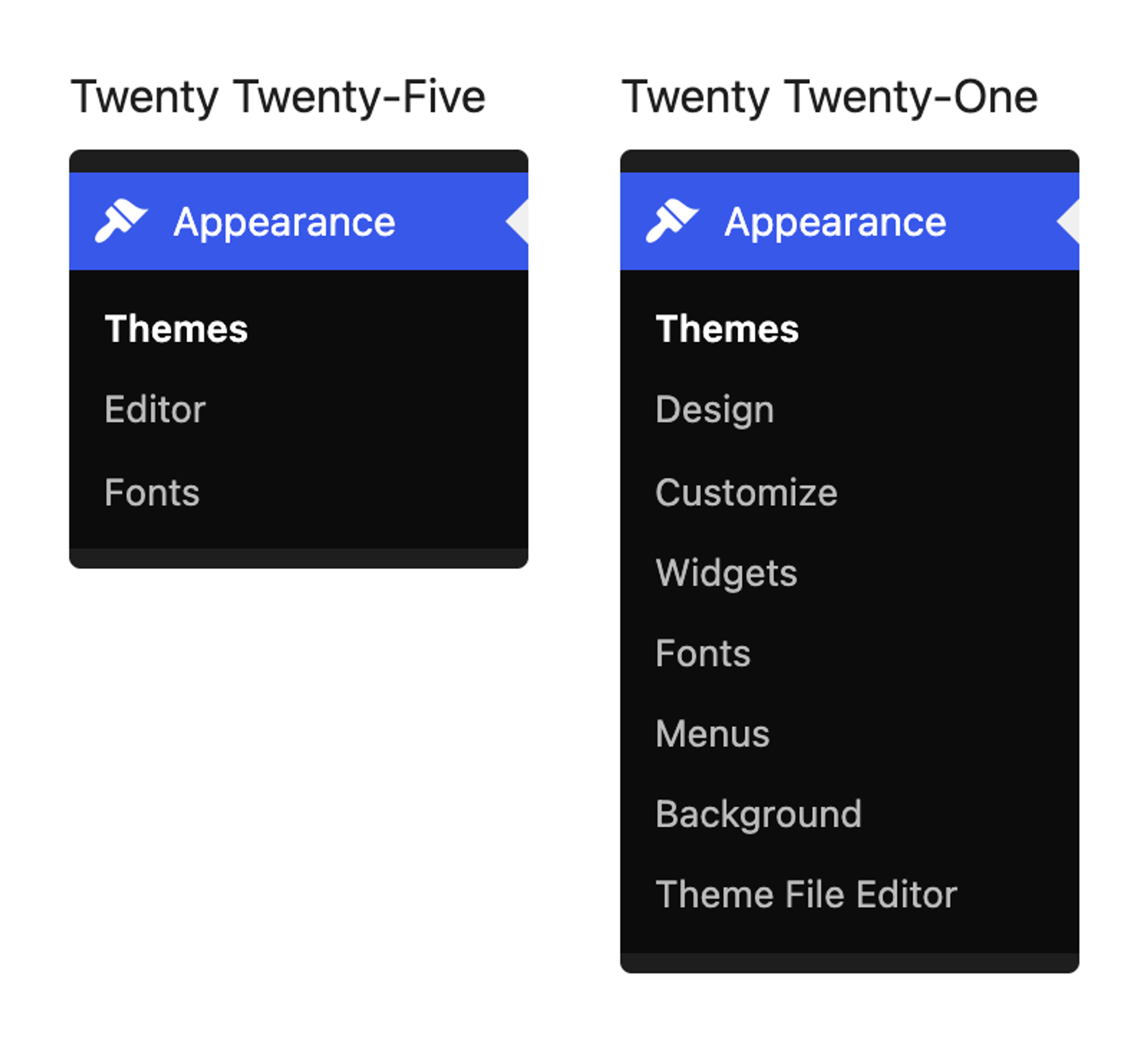
Opening wp-admin/widgets.php directly with Twenty Twenty-Five shows "The theme you are currently using is not widget-aware, meaning that it has no sidebars that you are able to change." If that's your situation, you can still build the widget and show it through a shortcode, as described in "Use the widget in a block theme" below. For something new that only needs to work in block themes, a custom block is the better fit.
Where to put the code
Save the widget in a file in wp-content/mu-plugins/ (create the folder if it doesn't exist). WordPress loads every PHP file directly in that folder on every request, and the widget keeps working when you switch themes. You can also put the code in your theme's functions.php, but then the widget disappears with the theme. Our tutorial on building a custom login page explains both places in more detail.
The snippets below go into wp-content/mu-plugins/harbor-widgets.php. The complete file is further down.
Step 1: Create the widget class
A widget is a PHP class that extends WordPress's WP_Widget class and has four methods:
1class Harbor_Call_Box_Widget extends WP_Widget {
2
3    public function __construct() {
4        // The widget's ID, name and description
5    }
6
7    public function widget( $args, $instance ) {
8        // The HTML visitors see
9    }
10
11    public function form( $instance ) {
12        // The settings form in the Widgets screen
13    }
14
15    public function update( $new_instance, $old_instance ) {
16        // Clean the settings before WordPress saves them
17    }
18}
The next four sections fill in one method each.
The constructor: ID, name and description
1public function __construct() {
2    parent::__construct(
3        'harbor_call_box', // ID base: lowercase and unique
4        'Harbor call box', // the name in the block inserter
5        array(
6            'classname'   => 'harbor-call-box',
7            'description' => 'Phone number and opening hours with a call link.',
8        )
9    );
10}parent::__construct() takes the ID base, the name readers see in the Widgets screen, and an array of options. The ID base names the database option the settings are stored in (widget_harbor_call_box), so give it a prefix of your own. classname becomes a CSS class on the widget's HTML, and description shows in the classic Widgets screen.
widget(): the HTML visitors see
1public function widget( $args, $instance ) {
2    $title = apply_filters( 'widget_title', $instance['title'] ?? '', $instance, $this->id_base );
3    $phone = $instance['phone'] ?? '';
4    $hours = $instance['hours'] ?? '';
5
6    echo $args['before_widget'];
7    if ( $title ) {
8        echo $args['before_title'] . esc_html( $title ) . $args['after_title'];
9    }
10    if ( $hours ) {
11        echo '<p class="harbor-call-box__hours">' . nl2br( esc_html( $hours ) ) . '</p>';
12    }
13    if ( $phone ) {
14        $tel = preg_replace( '/[^0-9+]/', '', $phone );
15        echo '<p class="harbor-call-box__phone"><a href="' . esc_url( 'tel:' . $tel ) . '">' . esc_html( $phone ) . '</a></p>';
16    }
17    echo $args['after_widget'];
18}$args comes from the widget area. It holds the HTML the theme wraps around every widget (before_widget, after_widget) and around its title (before_title, after_title), so your widget matches the theme's other widgets. $instance holds the saved settings.
Every saved value goes through esc_html() or esc_url() before it's printed. The opening hours keep their line breaks through nl2br(), and the phone link drops everything except digits and + from the number. Fields that are empty print nothing: in our test, a widget with an empty title had no heading.
form(): the settings form
1public function form( $instance ) {
2    $title = $instance['title'] ?? 'Call us';
3    $phone = $instance['phone'] ?? '';
4    $hours = $instance['hours'] ?? '';
5    ?>
6    <p>
7        <label for="<?php echo esc_attr( $this->get_field_id( 'title' ) ); ?>">Title:</label>
8        <input class="widefat" type="text"
9            id="<?php echo esc_attr( $this->get_field_id( 'title' ) ); ?>"
10            name="<?php echo esc_attr( $this->get_field_name( 'title' ) ); ?>"
11            value="<?php echo esc_attr( $title ); ?>">
12    </p>
13    <p>
14        <label for="<?php echo esc_attr( $this->get_field_id( 'phone' ) ); ?>">Phone number:</label>
15        <input class="widefat" type="tel"
16            id="<?php echo esc_attr( $this->get_field_id( 'phone' ) ); ?>"
17            name="<?php echo esc_attr( $this->get_field_name( 'phone' ) ); ?>"
18            value="<?php echo esc_attr( $phone ); ?>">
19    </p>
20    <p>
21        <label for="<?php echo esc_attr( $this->get_field_id( 'hours' ) ); ?>">Opening hours:</label>
22        <textarea class="widefat" rows="3"
23            id="<?php echo esc_attr( $this->get_field_id( 'hours' ) ); ?>"
24            name="<?php echo esc_attr( $this->get_field_name( 'hours' ) ); ?>"><?php echo esc_textarea( $hours ); ?></textarea>
25    </p>
26    <?php
27}get_field_id() and get_field_name() give each field the ID and name WordPress expects, so several copies of the widget can each keep their own settings. esc_attr() and esc_textarea() put the saved values back into the fields safely.
update(): clean the settings before they're saved
1public function update( $new_instance, $old_instance ) {
2    $instance          = array();
3    $instance['title'] = sanitize_text_field( $new_instance['title'] ?? '' );
4    $instance['phone'] = sanitize_text_field( $new_instance['phone'] ?? '' );
5    $instance['hours'] = sanitize_textarea_field( $new_instance['hours'] ?? '' );
6    return $instance;
7}
WordPress saves whatever this method returns. sanitize_text_field() strips HTML tags and line breaks, and sanitize_textarea_field() does the same but keeps line breaks. In our test, a title entered as <b>Call</b> us was saved as "Call us", and a <script> tag in the opening hours was removed while both lines stayed.
Step 2: Register the widget
Below the class, tell WordPress about it on the widgets_init hook:
add_action( 'widgets_init', function () {
    register_widget( 'Harbor_Call_Box_Widget' );
} );
The complete file
1<?php
2/**
3 * Plugin Name: Harbor Plumbing widgets
4 * Description: The Harbor call box widget.
5 */
6
7class Harbor_Call_Box_Widget extends WP_Widget {
8
9    public function __construct() {
10        parent::__construct(
11            'harbor_call_box', // ID base: lowercase and unique
12            'Harbor call box', // the name in the block inserter
13            array(
14                'classname'   => 'harbor-call-box',
15                'description' => 'Phone number and opening hours with a call link.',
16            )
17        );
18    }
19
20    public function widget( $args, $instance ) {
21        $title = apply_filters( 'widget_title', $instance['title'] ?? '', $instance, $this->id_base );
22        $phone = $instance['phone'] ?? '';
23        $hours = $instance['hours'] ?? '';
24
25        echo $args['before_widget'];
26        if ( $title ) {
27            echo $args['before_title'] . esc_html( $title ) . $args['after_title'];
28        }
29        if ( $hours ) {
30            echo '<p class="harbor-call-box__hours">' . nl2br( esc_html( $hours ) ) . '</p>';
31        }
32        if ( $phone ) {
33            $tel = preg_replace( '/[^0-9+]/', '', $phone );
34            echo '<p class="harbor-call-box__phone"><a href="' . esc_url( 'tel:' . $tel ) . '">' . esc_html( $phone ) . '</a></p>';
35        }
36        echo $args['after_widget'];
37    }
38
39    public function form( $instance ) {
40        $title = $instance['title'] ?? 'Call us';
41        $phone = $instance['phone'] ?? '';
42        $hours = $instance['hours'] ?? '';
43        ?>
44        <p>
45            <label for="<?php echo esc_attr( $this->get_field_id( 'title' ) ); ?>">Title:</label>
46            <input class="widefat" type="text"
47                id="<?php echo esc_attr( $this->get_field_id( 'title' ) ); ?>"
48                name="<?php echo esc_attr( $this->get_field_name( 'title' ) ); ?>"
49                value="<?php echo esc_attr( $title ); ?>">
50        </p>
51        <p>
52            <label for="<?php echo esc_attr( $this->get_field_id( 'phone' ) ); ?>">Phone number:</label>
53            <input class="widefat" type="tel"
54                id="<?php echo esc_attr( $this->get_field_id( 'phone' ) ); ?>"
55                name="<?php echo esc_attr( $this->get_field_name( 'phone' ) ); ?>"
56                value="<?php echo esc_attr( $phone ); ?>">
57        </p>
58        <p>
59            <label for="<?php echo esc_attr( $this->get_field_id( 'hours' ) ); ?>">Opening hours:</label>
60            <textarea class="widefat" rows="3"
61                id="<?php echo esc_attr( $this->get_field_id( 'hours' ) ); ?>"
62                name="<?php echo esc_attr( $this->get_field_name( 'hours' ) ); ?>"><?php echo esc_textarea( $hours ); ?></textarea>
63        </p>
64        <?php
65    }
66
67    public function update( $new_instance, $old_instance ) {
68        $instance          = array();
69        $instance['title'] = sanitize_text_field( $new_instance['title'] ?? '' );
70        $instance['phone'] = sanitize_text_field( $new_instance['phone'] ?? '' );
71        $instance['hours'] = sanitize_textarea_field( $new_instance['hours'] ?? '' );
72        return $instance;
73    }
74}
75
76add_action( 'widgets_init', function () {
77    register_widget( 'Harbor_Call_Box_Widget' );
78} );
Check that the file shows up under Plugins > Must-Use.
Step 3: Add the widget in Appearance > Widgets
Since WordPress 5.8, the Widgets screen works like the block editor. Widgets built on WP_Widget are still there: WordPress lists them in the block inserter by their name and adds them as a Legacy Widget block.
- Go to Appearance > Widgets.
- Click the block in the widget area where the widget should go, for example Footer in Twenty Twenty-One.
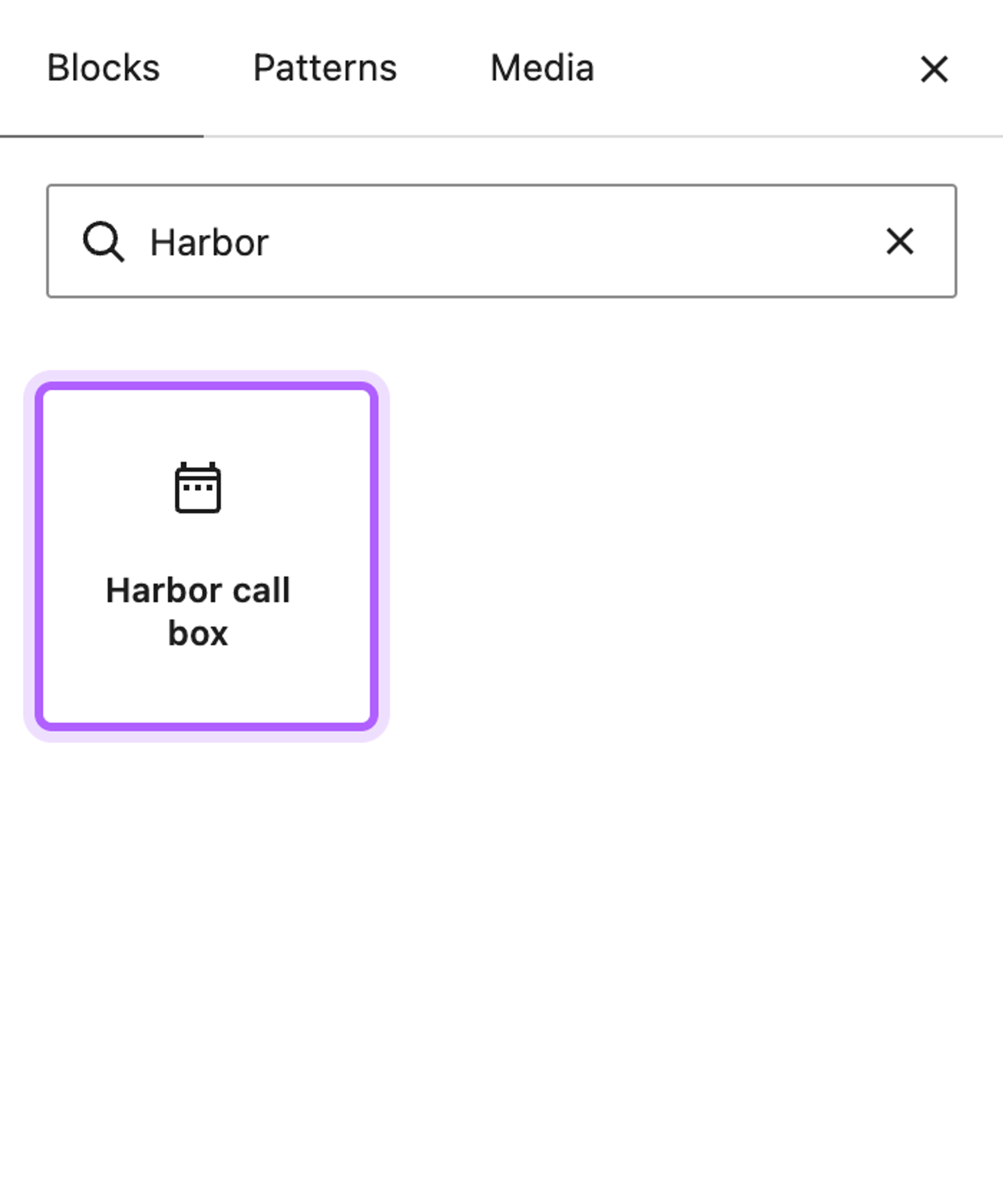
- Click the blue + button at the top left and search for the widget's name.
- Click Harbor call box to add it.
- Fill in the form and click Update.
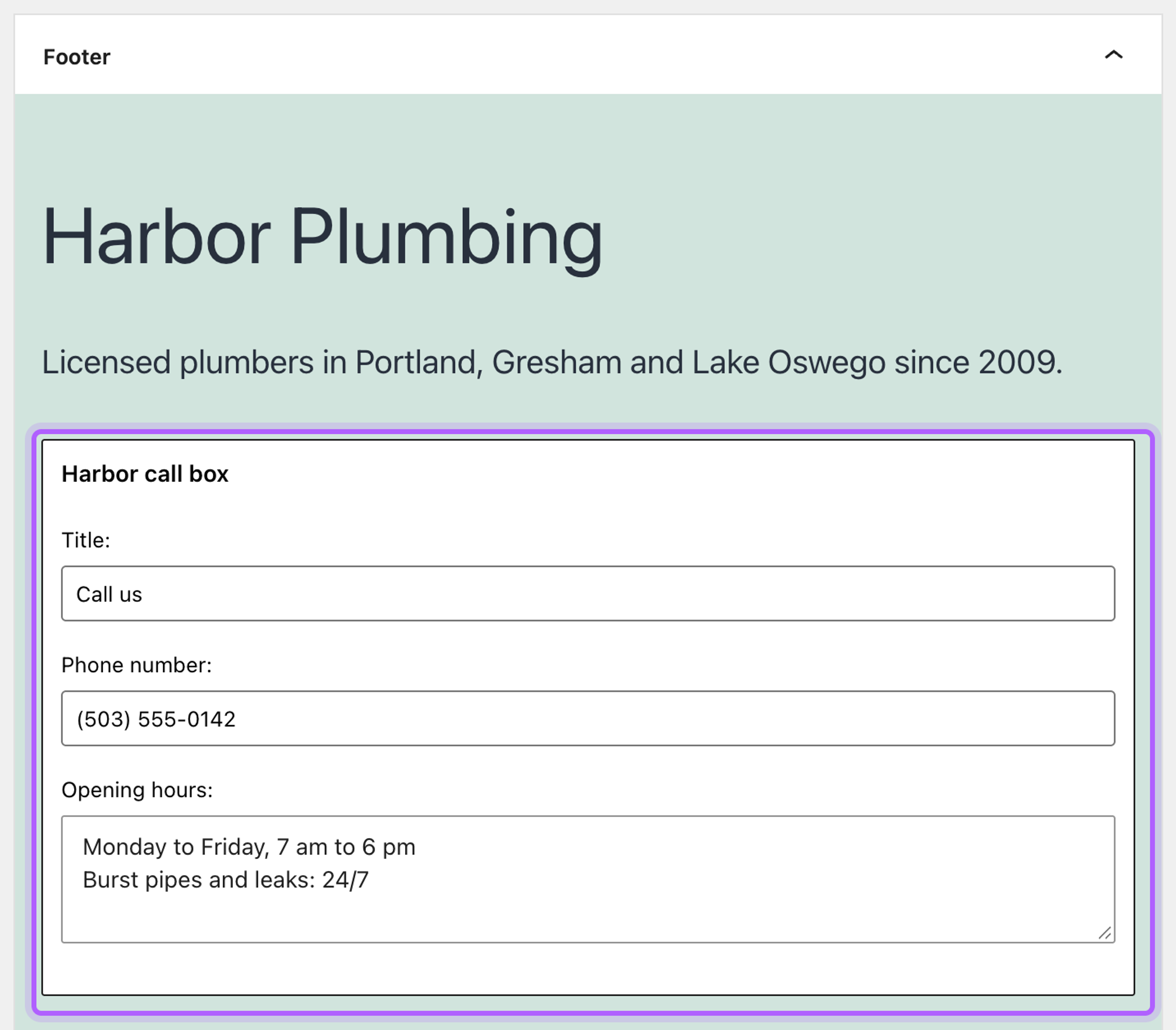
The block shows the form from your form() method. The title starts with "Call us", the default set in form():
Step 4: Check the widget on the site
Open any page in a private window. In Twenty Twenty-One, the Footer widget area sits above the footer on every page, and the call box shows with the theme's widget title style:

Add your own widget area to a classic theme
If the theme's widget areas aren't where you want the widget, you can register one yourself with register_sidebar() and show it with dynamic_sidebar(). Do this in a child theme, so a theme update doesn't remove it. This child theme of Twenty Twenty-One adds an area called Above footer:
/*
Theme Name: Harbor Child
Template: twentytwentyone
*/1<?php
2add_action( 'widgets_init', function () {
3 register_sidebar(
4 array(
5 'name' => 'Above footer',
6 'id' => 'harbor-above-footer',
7 'description' => 'Shown on every page, above the footer widgets.',
8 'before_widget' => '<section id="%1$s" class="widget %2$s">',
9 'after_widget' => '</section>',
10 'before_title' => '<h2 class="widget-title">',
11 'after_title' => '</h2>',
12 )
13 );
14} );id must be unique and lowercase. The before_ and after_ values are what your widget receives in $args. Here they copy Twenty Twenty-One's own footer area, so widgets look the same in both.
register_sidebar() only makes the area show up in the Widgets screen. To print it on the page, call dynamic_sidebar() in a template file. Twenty Twenty-One prints its footer area in template-parts/footer/footer-widgets.php, so the child theme overrides that file and adds the new area first:
1<?php
2if ( is_active_sidebar( 'harbor-above-footer' ) ) : ?>
3    <aside class="widget-area harbor-above-footer" aria-label="Above footer">
4        <?php dynamic_sidebar( 'harbor-above-footer' ); ?>
5    </aside>
6<?php endif;
7
8if ( is_active_sidebar( 'sidebar-1' ) ) : ?>
9    <aside class="widget-area">
10        <?php dynamic_sidebar( 'sidebar-1' ); ?>
11    </aside>
12<?php endif;
After activating the child theme under Appearance > Themes, the Widgets screen lists both areas:
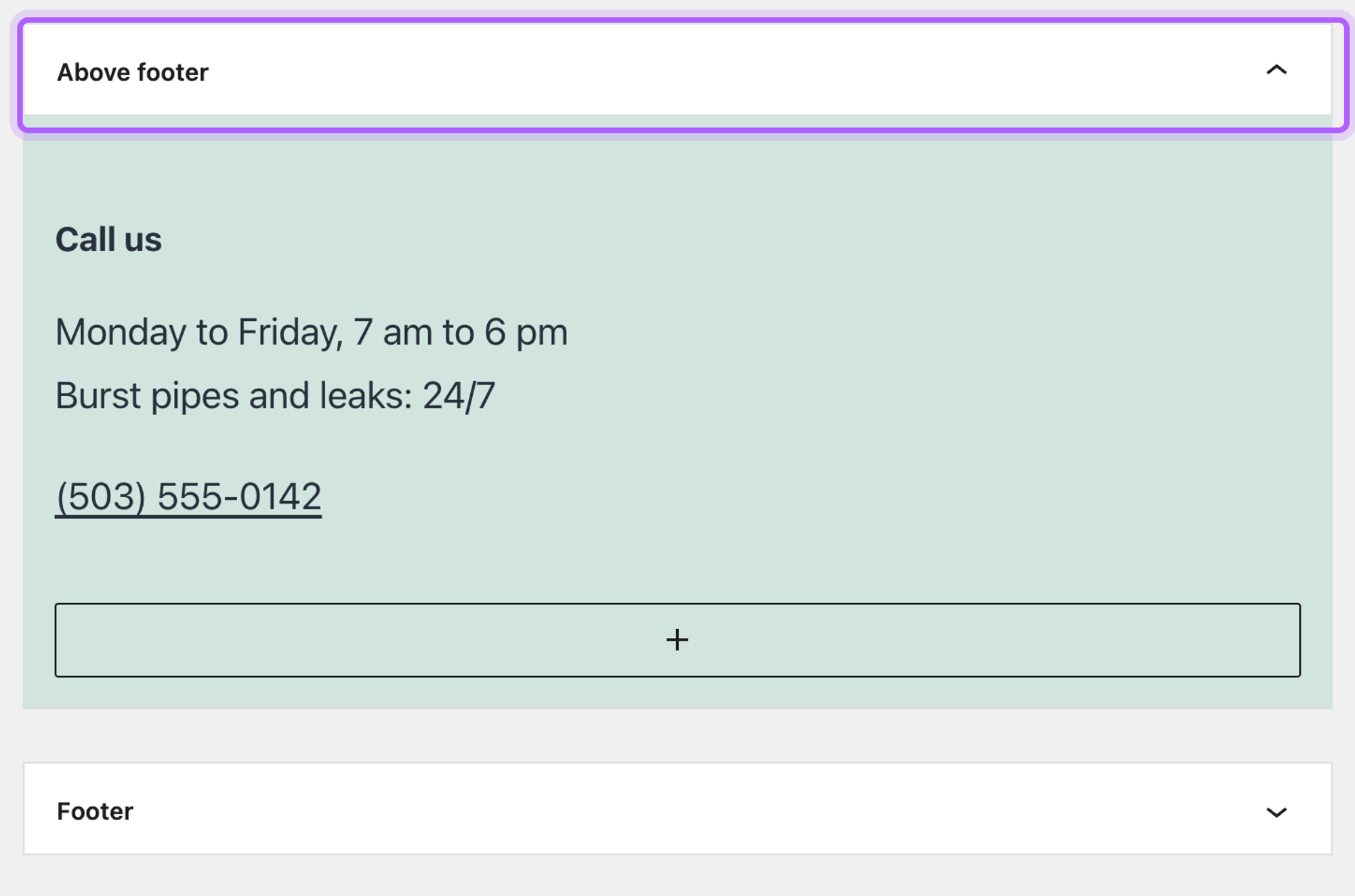
is_active_sidebar() skips the area's HTML when it has no widgets. In our test, with the call box moved to Above footer, the page showed it in its own row above the footer area, and the other widgets stayed in the footer area.
Use the widget in a block theme
Block themes have no widget areas, but the_widget() prints any registered widget wherever you call it, with the settings you pass. Wrapped in a shortcode, the call box works in a Shortcode block anywhere in a block theme. Add this to the same mu-plugin file:
1add_shortcode( 'harbor_call_box', function () {
2    ob_start();
3    the_widget(
4        'Harbor_Call_Box_Widget',
5        array(
6            'title' => 'Call us',
7            'phone' => '(503) 555-0142',
8            'hours' => "Monday to Friday, 7 am to 6 pm\nBurst pipes and leaks: 24/7",
9        ),
10        array(
11            'before_title' => '<h2 class="wp-block-heading">',
12            'after_title'  => '</h2>',
13        )
14    );
15    return ob_get_clean();
16} );the_widget() prints its output, so ob_start() and ob_get_clean() catch it and the shortcode returns it. Our shortcode tutorial explains why a shortcode has to return its HTML.
To show it on every page, open Appearance > Editor, edit the footer template part, add a Shortcode block and type [harbor_call_box]. In our test with Twenty Twenty-Five, the call box appeared above the theme's footer:
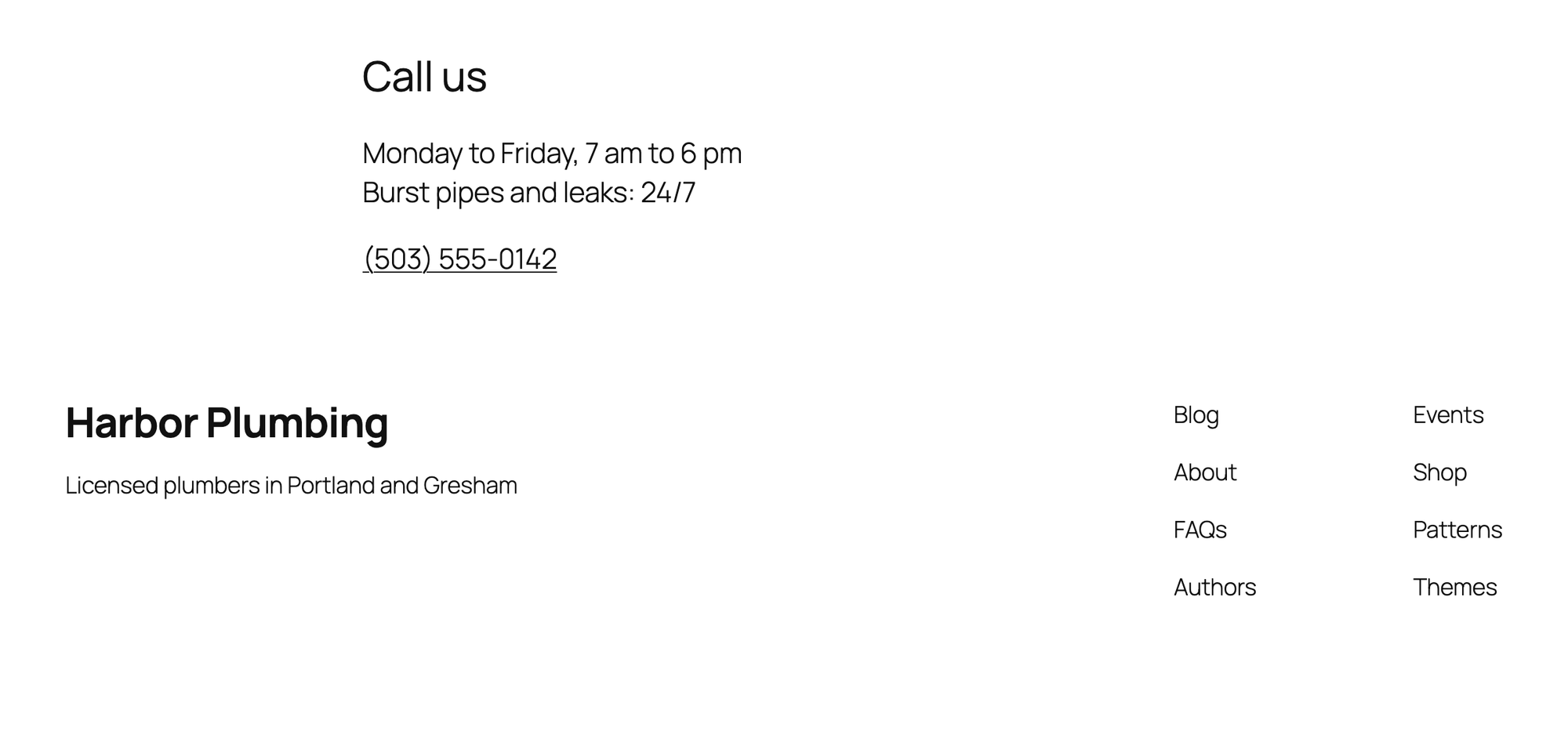
The settings are now in the code, so changing the phone number means editing the file. If editors should change it in the editor, build a custom block with its own settings instead.
Bring back the classic Widgets screen
If you prefer the old Widgets screen with the Available Widgets list, add this line to your mu-plugin file:
add_filter( 'use_widgets_block_editor', '__return_false' );In our test with Twenty Twenty-One, Appearance > Widgets then showed the classic screen, with Harbor call box under Available Widgets.
The Widgets menu is missing
The active theme is a block theme or registers no widget areas. Check under Appearance > Themes which theme is active. You can switch to a classic theme, add a widget area as shown above if the theme is classic, or show the widget through a shortcode.
Looking for an Elementor widget?
Elementor widgets are a different thing with their own API. Our tutorial on building a custom Elementor widget covers those.
Further reading
The WordPress developer reference documents the WP_Widget class, register_sidebar() and the_widget().
I've worked in SEO for more than ten years and helped over 100 businesses rank higher, mostly local businesses, e-commerce stores and SaaS companies. As co-founder of LPagery I work on local SEO, programmatic SEO and AI search visibility, and I test the strategies in these articles on our own sites and with our customers.