
Meta descriptions are short summaries that appear in search engine results, helping users understand your page’s content and improving click-through rates (CTR). Here’s how to add them in WordPress:
- Use SEO Plugins: Tools like Yoast SEO and Rank Math let you easily add and optimize meta descriptions.
- Yoast: Add descriptions via the meta box in the post editor.
- Rank Math: Use AI suggestions and multi-device previews for better descriptions.
- Manual Method: Edit your theme’s header.php or functions.php files to add meta descriptions directly with PHP.
- Best Practices:
- Keep descriptions between 120-156 characters to avoid truncation.
- Include local keywords for better visibility in local searches.
- Avoid duplicate or missing descriptions.
- Bulk Editing: Use plugins or tools like LPagery to manage meta descriptions for multiple pages efficiently.
Quick Tip: Well-crafted meta descriptions can boost CTR by up to 127%. Use clear, concise language and include calls-to-action to engage users.
Ready to learn more? Keep reading for detailed steps and tools to optimize your WordPress meta descriptions.
How to Add Meta Descriptions with SEO Plugins
SEO plugins make it simple to add meta descriptions without the hassle of manual coding.
Using Yoast SEO for Meta Descriptions
Yoast SEO makes managing meta descriptions straightforward. Here’s how you can use it:
- Install and activate Yoast SEO from the WordPress plugin directory.
- Open the editor for your post or page.
- Scroll down to the Yoast SEO meta box below the content area.
- Enter your meta description in the provided field.
- Use the color-coded guide to ensure your description stays between 120–156 characters.
For managing meta descriptions across your site:
- Global Templates: Set up default templates under SEO > Search Appearance > Content Types using variables like %%excerpt%% or %%title%%.
- Individual Page Optimization: Use the snippet preview to adjust and perfect how your meta description will appear in search results.
Next, let’s see how Rank Math can make this process even easier.
Adding Meta Descriptions with Rank Math
Rank Math offers advanced tools to simplify meta description creation, including AI-powered features. Here’s a quick look at what it can do:
Feature | Function | Benefit |
|---|---|---|
AI Generation | Automatically creates descriptions | Saves time and effort |
Smart Variables | Inserts post data dynamically | Ensures uniform formatting |
Multi-device Preview | Shows how descriptions look on devices | Optimizes for all platforms |
Content AI | Suggests improvements | Helps refine description quality |
To add a meta description with Rank Math, navigate to the Rank Math meta box in your post editor. Enter your description, use AI suggestions if needed, and preview your changes to ensure they look great.
SEO Plugin Feature Comparison
Here’s how Yoast SEO, Rank Math, and All in One SEO stack up:
Feature | Yoast SEO | Rank Math | All in One SEO |
|---|---|---|---|
Bulk Editor | Premium | Free | Premium |
Character Counter | Yes | Yes | Yes |
AI Integration | No | Yes | Yes (Premium) |
Social Media Meta | Yes | Yes | Yes |
“AI-driven meta description generation now saves time and improves results”, according to a 2023 case study by Search Engine Journal.
Adding Meta Descriptions Without Plugins
Plugins make adding meta descriptions easier, but some users prefer to edit theme files directly for greater control. This method allows you to manage meta tags exactly how you want.
Modifying header.php
If you want to add meta descriptions manually, here’s how:
- Backup your theme files: Always save a copy of your theme before making changes.
- Access your theme directory: Use FTP or the Theme Editor in WordPress.
- Open the header.php file: Locate this file in your theme directory.
- Find the <head> section: Look for the <head> tag in the file.
- Insert this code before </head>:
<code class="language-php"><meta name="description" content="<?php if (is_single()) { single_post_title('', true); } else { bloginfo('name'); echo ' - '; bloginfo('description'); } ?>" /> </code>
This code generates a meta description based on whether the page is a single post or another type of page.
Creating Dynamic Meta Tags with PHP
For websites that need tailored meta descriptions – like a business with multiple locations – you can create dynamic meta tags. Add the following function to your functions.php file:
<code class="language-php">function get_custom_meta_description() { if (is_single()) { $post_type = get_post_type(); if ($post_type === 'product') { return "Explore our latest product offerings and deals."; } elseif ($post_type === 'service') { return "Discover our professional services tailored to your needs."; } } elseif (is_category()) { $category = single_cat_title('', false); return "Browse our articles in the {$category} category."; } else { return get_bloginfo('description'); } } </code>
Next, call this function in your header.php file by adding:
<code class="language-php"><meta name="description" content="<?php echo get_custom_meta_description(); ?>" /> </code>
This method allows you to customize descriptions for specific content types, making it ideal for more complex sites.
Challenges of the Manual Approach
Challenge | Impact | Solution |
|---|---|---|
Theme Updates | Custom code may be overwritten | Use a child theme |
Maintenance | Requires technical skills | Document all changes |
Managing Many Pages | Hard to scale for large sites | Use dynamic PHP functions |
Security Risks | Errors can break your site | Test changes and keep backups |
Using a child theme is key to keeping your edits safe during theme updates. While this manual method offers precise control, it’s best suited for developers. For most users, SEO plugins provide an easier way to handle meta descriptions. If you go the manual route, stay organized by documenting your changes and backing up your site regularly.
sbb-itb-4893451
Writing Strong Meta Descriptions
Meta descriptions play a key role in improving click-through rates and boosting visibility in local search results.
Meta Description Length and Structure
Aim for meta descriptions between 150–160 characters. This range ensures your message is fully visible in search results. According to Moz, descriptions within this range result in a 35.9% higher click-through rate.
Element | Character Count | Purpose |
|---|---|---|
Opening Hook | 25–35 | Grab attention |
Main Message | 80–90 | Describe value |
Call-to-Action | 25–30 | Drive action |
By sticking to this structure, you can craft concise and effective descriptions. Add local details and clear calls-to-action to further enhance their impact.
Adding Local Keywords and CTAs
Incorporate location-specific terms and action-driven language into your meta descriptions. A study by Yoast found that using localized calls-to-action increased click-through rates for small businesses by 43%.
Here’s an example:
“Expert plumbing services in Austin. Available 24/7 for emergencies. Call now for same-day service!”
Why does this work?
- It specifies the location (Austin).
- Highlights service availability (24/7).
- Creates urgency with “same-day service.”
- Ends with a clear call-to-action (“Call now”).
This approach not only grabs attention but also encourages users to take immediate action.
Preventing Duplicate Descriptions
Duplicate meta descriptions can negatively impact SEO. Research from SEMrush shows that 30% of websites have duplicate or missing meta descriptions. Here’s how to avoid this:
- Write unique value propositions for every page.
- Use dynamic variables to include location-specific details.
- Highlight distinct services or features.
- Reference local landmarks or areas served.
For WordPress sites managing multiple location pages, try this template:
<code>[Service] in [City]: [Unique Selling Point]. Located near [Landmark], we offer [Specific Service/Product]. [CTA] </code>
Adding schema markup alongside unique meta descriptions can further improve click-through rates by up to 30%, as it provides search engines with additional context about your business.
Meta Descriptions for Multiple Pages
Managing meta descriptions for location-based pages can be challenging, but having a clear strategy makes it easier. Unique meta descriptions can improve click-through rates significantly. Here’s how to simplify the process using the right tools and techniques.
LPagery for Bulk Meta Description Creation
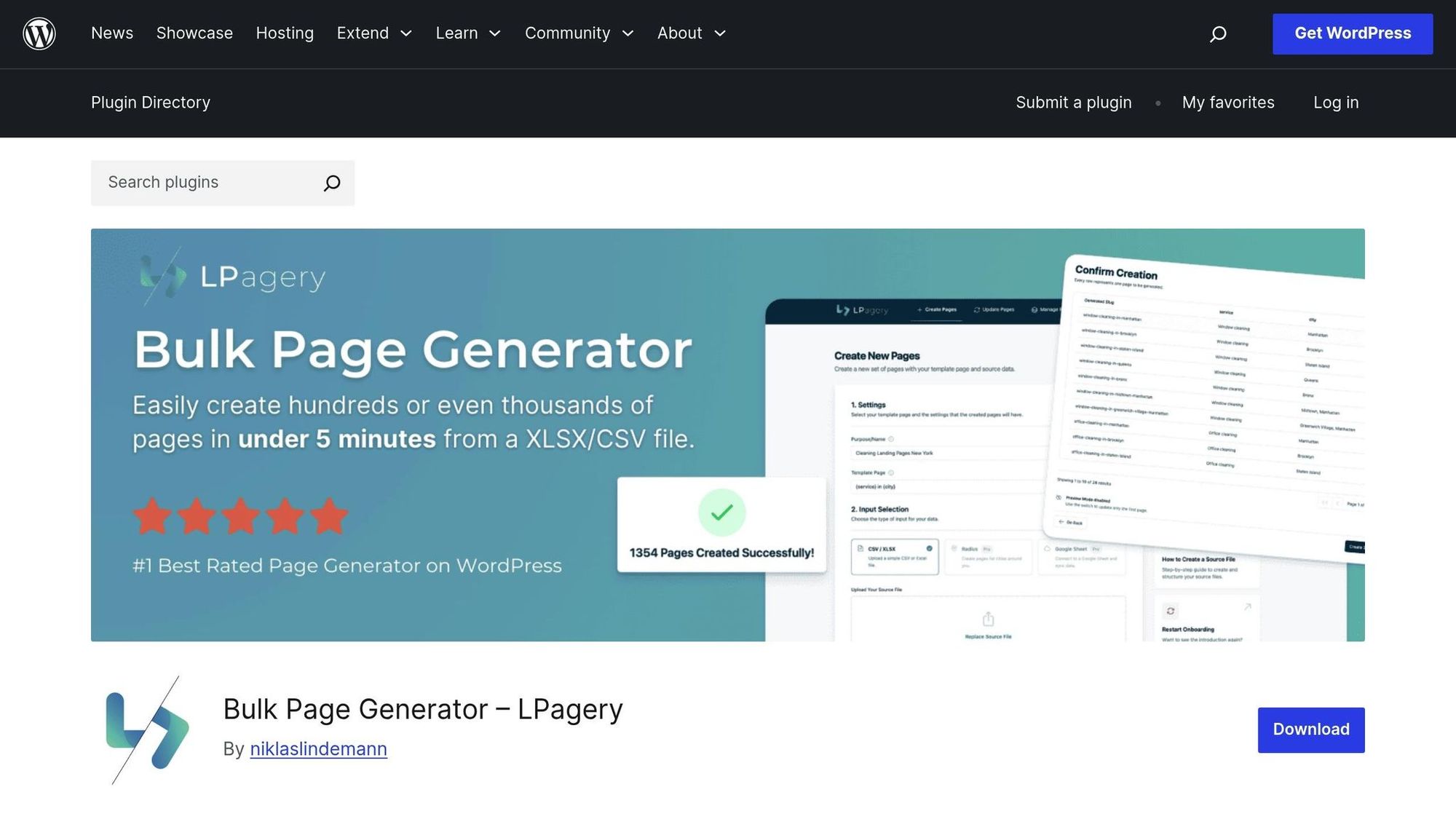
LPagery is a handy tool for creating meta descriptions in bulk. Its template-based system works seamlessly with popular SEO plugins like Yoast SEO, Rank Math, and All in One SEO, making it an efficient choice for managing meta descriptions.
Feature | Standard Plan | Extended Plan |
|---|---|---|
Bulk Updates | Yes | Yes + Google Sheets |
Dynamic Content | Basic | Advanced with Spintax |
SEO Integration | All Major Plugins | All Major Plugins + Custom Fields |
Location Variables | Basic | Advanced with Radius Targeting |
The spreadsheet import feature allows you to create and update descriptions in bulk, ensuring they stay consistent and aligned with your brand.
Using Variables for Location Pages
Dynamic variables are a game-changer for creating unique meta descriptions, especially for location-based pages. Here’s an example of a template:
<code>$meta_description = '{business_name} provides professional {service_type} in {city}, {state}. Trusted by {neighborhood} residents since {year}. Call {phone} for {unique_offer}.'; </code>
This method proved highly effective for Bob’s Discount Furniture. By rolling out dynamic meta descriptions across 150 store locations, they saw a 42% increase in organic traffic within 90 days.
Bulk Meta Description Updates
Once you’ve set up dynamic variables, it’s crucial to ensure updates are consistent and high-quality. Here are some ways to manage bulk updates:
- Plugin-Based Updates: Use bulk editors built into plugins like Yoast SEO to update multiple pages quickly.
- Database Management: Tools like phpMyAdmin allow direct updates to your database. Always back up your data before making changes.
- Automated Solutions: Use WordPress hooks to auto-generate meta descriptions based on page content.
These methods can help you keep your meta descriptions organized and effective, even across hundreds of pages.
Conclusion: Meta Description Setup Guide Summary
Pages with a meta description tend to attract 5.8% more clicks compared to those without one. This makes them a key element for local businesses aiming to improve their online visibility.
You can add meta descriptions by using SEO plugins or making manual adjustments in PHP. Tools like Yoast SEO and Rank Math provide user-friendly options to manage meta descriptions. For developers who need more detailed customization, manual PHP modifications offer that extra level of control.
If your business operates in multiple locations, platforms like LPagery simplify bulk meta description management, ensuring your localized content stays optimized.
To make your meta descriptions as effective as possible, keep these technical guidelines in mind:
Aspect | Best Practice | Why It Matters |
|---|---|---|
Length | 120–156 characters | Avoids truncation in search results |
Local Elements | Include city, service area, and unique offers | Boosts visibility in local searches |
Update Cycle | Review and update monthly | Keeps descriptions relevant and performing well |
These practices form the foundation of a strong meta description strategy. Leveraging dynamic variables and tools for bulk management can further enhance consistency and save time.
Related posts
- The 5 Best WordPress Plugins for Lawyers
- Landing Page SEO Checklist for Local Services
- How to Edit The Footer in WordPress
- How to Use Tags in WordPress To Improve The Navigation Of Your Website

I’m an experienced SEO professional with over a decade of helping over 100 businesses rank higher online, especially local businesses, e-commerce stores and SaaS. As the co-founder of LPagery, I specialize in practical, proven strategies for regular SEO and Local SEO success.
This post may contain affiliate links which we earn a commission on when purchasing a given product.
I’m an experienced SEO professional with over a decade of helping over 100 businesses rank higher online, especially local businesses, e-commerce stores and SaaS. As the co-founder of LPagery, I specialize in practical, proven strategies for regular SEO and Local SEO success.